Shoppable Videos vs. Amazon Live Shopping: Which Format Grows Affiliate Income Faster in 2026?
Creators often split their week between prerecorded shoppable videos and Amazon Live, then wonder why neither seems to produce steady income. The problem is not necessarily the format. It is trying to do both without giving each a clear job.
Choose based on the result you need. Use shoppable videos to build evergreen discovery and scale. Use Amazon Live shopping for timely, high-intent bursts, product launches, and deal events. Then connect each format to a focused storefront collection and track its results separately.
First, know what you are comparing
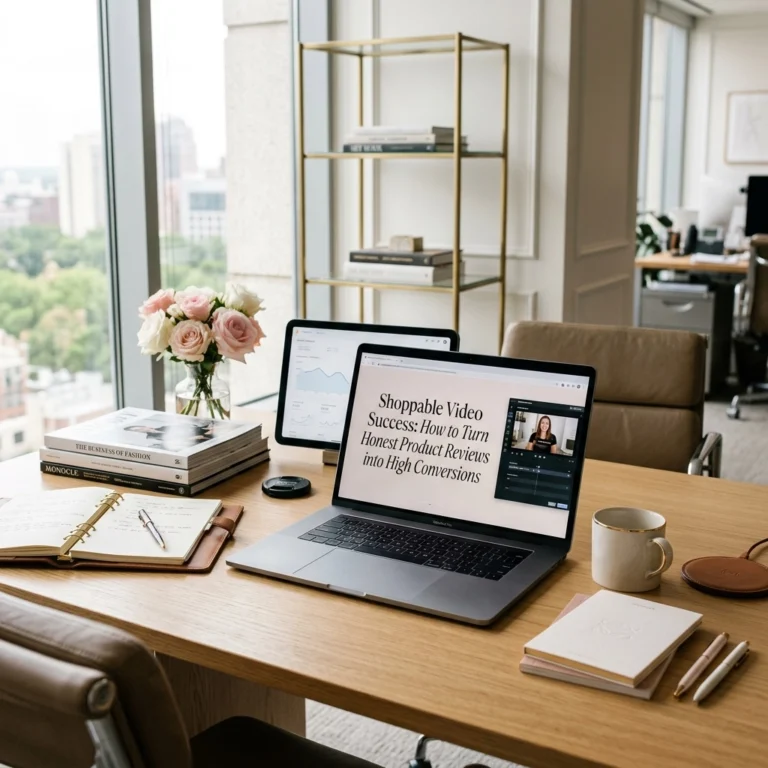
Shoppable videos are prerecorded product videos uploaded to your Amazon Influencer Storefront. You tag the products shown, so shoppers can view and shop them. Approved videos appear on your storefront and may be selected for other Amazon placements. That placement is not guaranteed. Amazon recommends videos of at least 30 seconds for placement eligibility and says creators can tag up to 15 products, provided each is featured in the video. See Amazon’s Shoppable Video guide.
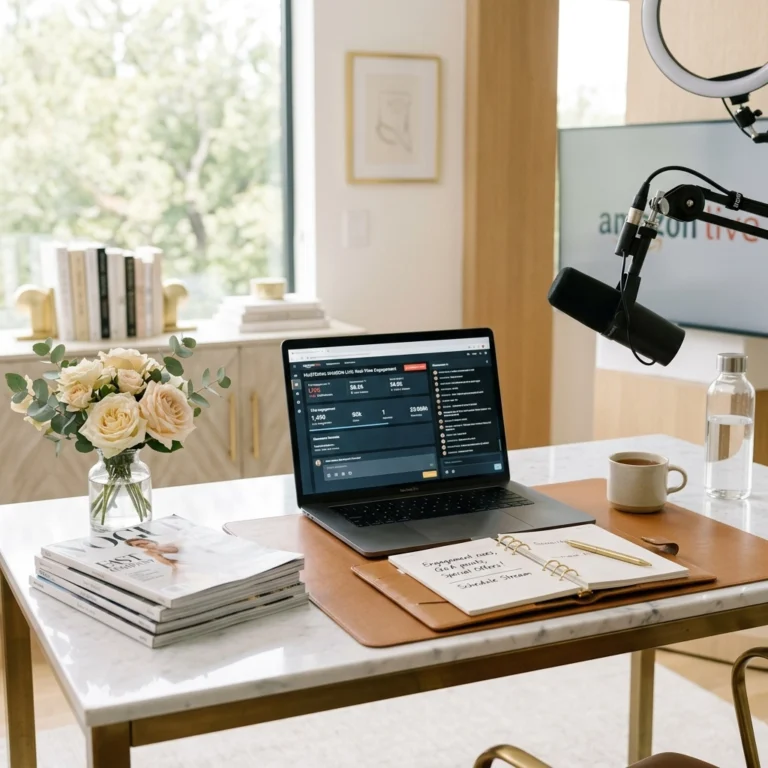
Amazon Live shopping is a livestream with real-time product demonstrations, a product carousel, and chat. It gives shoppers a chance to hear more, watch a product in use, and ask questions while the stream is happening. Amazon requires livestreams to feature products available on Amazon and to include at least one product in the carousel. Review Amazon’s Live content guidelines.

Which format fits the job?
| Decision factor | Prerecorded shoppable videos | Amazon Live shopping |
|---|---|---|
| Setup time | Film several short videos in one session, then upload and tag them. | Plan the products, carousel, and talking points, then show up for the scheduled stream. |
| Shelf life | Evergreen videos can keep working after publishing. Amazon may select approved videos for additional placements. | A live event is time-bound, though its replay may remain available. |
| Watch time | Shoppers can watch at their own pace. Use average view duration and percentage viewed to compare your own videos. | A live stream can hold attention longer through demonstrations and questions, but live and prerecorded watch-time metrics are not directly comparable. |
| Clicks and buying intent | Useful when shoppers are already researching a product. A clear demonstration can answer a buying question quickly. | Useful when shoppers need a fuller explanation, comparison, or answer before deciding. |
| Commission tracking | Amazon distinguishes onsite earnings from commissions on traffic you directly send to Amazon. Check the relevant Store ID and current rates. | Live and other onsite earnings are reported separately from external traffic you drive. Do not assume two commission pathways pay twice on the same order. |
| Discovery | Good for Amazon storefront coverage and repurposing into eligible short-form or Pinterest content. | Good for scheduled events and real-time engagement. Social teasers can help people find the stream, subject to platform rules. |
| Best fit for an Amazon storefront influencer | Build a reusable library across useful product categories. | Give a launch, deal event, or product question a focused time slot. |
Amazon’s reporting and commission structure can change. Its onsite earnings help page explains that onsite earnings have a separate Store ID from the ID used for traffic you directly drive. Review the applicable rates and reports in Associates Central rather than forecasting from a generic commission figure.
A simple verdict framework
Choose shoppable videos first if you want searchable, reusable product coverage and a repeatable publishing routine. Add a video when you have a useful product answer that can stand on its own: how an organizer fits in a drawer, how a kitchen tool works, or what a gadget looks like in everyday use.
Choose Amazon Live first when timing matters. Use a stream for a launch, a deal event, a series of related products, or a product that raises questions better answered in real time.
If you have room for both, plan one Live around a small set of products, then create distinct short videos for the products that deserve lasting coverage. Do not simply repost the same content everywhere. Amazon’s policies and each platform’s requirements still apply.
Start with a phone and a clear demonstration
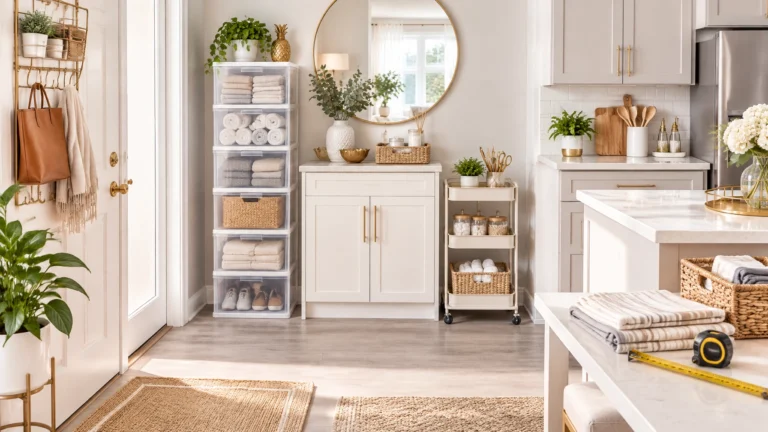
Home product demonstrations are a strong practical fit for shoppers seeking ways to save time and simplify routines. Think pantry bins, drawer dividers, storage solutions, and the kind of practical amazon finds that solve a visible everyday problem. Home organization ideas convert well here because the result is easy to see in a single shot. Treat this as a useful place to begin, not the only category worth testing.

Set up a shoppable video
- Choose one shopper question. For example: “Will this organizer fit under my sink?” Build the video around the answer.
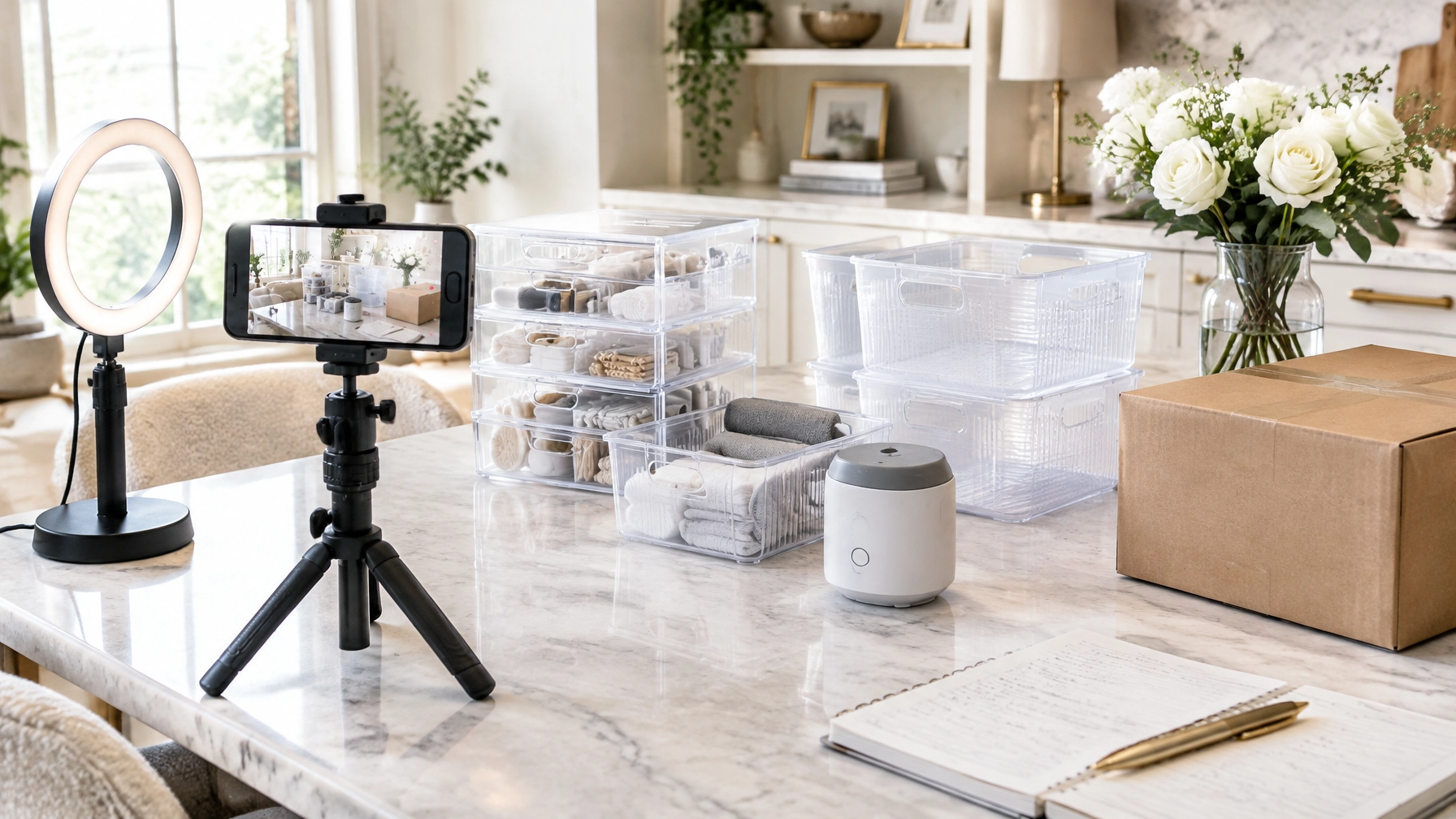
- Place the product in use. Film with your phone in natural light. Keep the background tidy, the audio clear, and identifying personal details out of frame.
- Show the useful detail. Demonstrate size, setup, storage, or a feature that is hard to assess from a product photo. Share an honest observation, not just listing copy.
- Keep the video evergreen. Avoid specific prices, discounts, and time-sensitive claims. Amazon recommends a video length of at least 30 seconds for placement eligibility.
- Upload and tag accurately. Add only products clearly shown or discussed. Start with one to three related items if that is all the video genuinely covers. Amazon allows up to 15 tags, but more tags do not make an unrelated item relevant.
- Choose a descriptive title and thumbnail. Make the product and its use clear at a glance. Submit the video for moderation and check its status.
Set up an Amazon Live
- Choose one theme. Give the stream a clear promise, such as “three ways to organize a small kitchen.”
- Select three to five related products. Treat this as a starting test, not a platform rule. Add them to the carousel and confirm each is available to feature.
- Write a simple run of show. Open with the problem, demonstrate each product, explain what you like or would watch for, and leave time for questions.
- Check the basics. Use a phone, stable stand, good light, clear audio, and a reliable connection. Keep the products within reach.
- Go live and engage. Discuss the carousel products and respond to chat. Keep the stream primarily live and follow Amazon’s current content rules.
Send shoppers to the right collection
Good content can still lose a shopper if the destination is a cluttered storefront. Create a relevant Amazon Idea List or collection before publishing. Name it for the need, not just the product type: “Small Kitchen Storage” is more useful than “Favorites.”
For every video, confirm that the featured product is easy to find in the matching collection. For Live, align the product carousel with that same collection. Keep the list focused: test a collection with roughly five to ten carefully selected items, then remove products that no longer fit or are unavailable. That is a practical starting range, not a guaranteed conversion sweet spot.
Use Pinterest as an additional discovery route where eligible. Pinterest says creators can link an Amazon Storefront and tag Amazon products in Pins, with affiliate links applied automatically to eligible tagged products. That makes Pins a natural home for evergreen amazon finds around storage, cleaning, and small-space setup. Check the Pinterest setup instructions before you publish. Treat Pinterest clicks, short-form video traffic, and Amazon onsite earnings as separate reporting paths. TikTok Shop reviews also belong to a separate shopping and attribution system; do not assume a TikTok Shop sale counts as an Amazon sale.
Use this weekly system
Turn tested amazon finds into repeatable content instead of chasing new products every week.
Protect a realistic schedule. Start with two prerecorded videos and one 30–45-minute Live each week. If that feels heavy, publish one video and stream every other week. Consistency and measurement matter more than an ambitious calendar you cannot maintain.
| Day | Action | Time guide |
|---|---|---|
| Monday | Choose one theme, select products, and update the matching storefront collection. | 20 minutes |
| Tuesday | Film two short product videos in one batch. | 30–45 minutes |
| Wednesday | Upload, tag, and schedule or publish the videos. Make one suitable Pinterest Pin if eligible. | 20–30 minutes |
| Thursday | Prepare the Live outline and confirm carousel products. | 15 minutes |
| Friday | Host the Live, then note questions and product requests for future content. | 30–45 minutes |
| Weekend | Complete a 30-minute maintenance block: review results, check links and product availability, and adjust the next week’s plan. | 30 minutes |
Track the formats separately. Compare like with like over a consistent period, such as the same seven days after publishing.
| Metric | Shoppable video | Amazon Live |
|---|---|---|
| Reach | Views | Views or viewers reported |
| Attention | Average view duration and percentage viewed | Watch time or engagement metrics available in reporting |
| Shopping action | Product clicks, if reported | Click-through rate and add-to-cart, if reported |
| Outcome | Qualifying units and earnings under the relevant ID | Direct sales, other reported sales, and earnings |
| Next test | Opening shot, title, or demonstration angle | Theme, product order, or time slot |
Use the first four weeks as a baseline. Then test one change at a time. For example, aim to improve product clicks per view by 20% against your own baseline by testing a clearer opening demonstration. Treat that as a test target, not a promised result. A higher view count is not automatically better if shoppers do not click or buy.

Make one format your engine and the other your event
For evergreen discovery, search, Pinterest reach, and scale, build your library of shoppable videos. For launches, deal events, and real-time questions, schedule Amazon Live. Connect both to focused storefront collections, follow current platform rules, and review the right metrics for each format.
Ready to build a clearer content system around practical product discovery and affiliate income? Explore Kimberly Millionaire’s creator resources at ktmillionaire.com and take your next step today.