Mastering Amazon Live Shopping: How to Engage and Convert Your Audience in Real-Time
Let’s be real: the days of posting a static photo and waiting for the commission checks to roll in are fading. If you want to build a true authority hub and a revenue-generating machine in 2026, you have to show up. And I mean really show up, live, unedited, and ready to engage.
Amazon Live is the "secret sauce" of the Amazon Influencer Program. It’s essentially QVC for the digital age, but with one massive difference: the audience actually talks back. It’s a place where your personality meets product utility, and the result is a conversion rate that makes standard affiliate links look like ancient history.
If you’re sitting there thinking, "Kimberly, I’m not a TV host," stop right there. You don’t need a teleprompter or a Hollywood budget. You need a system, a stack of curated products, and the willingness to be your authentic self. Here is how you master the stream and turn your Amazon storefront into a high-conversion powerhouse.
The Foundation: Setting the Stage for Lived-In Luxury
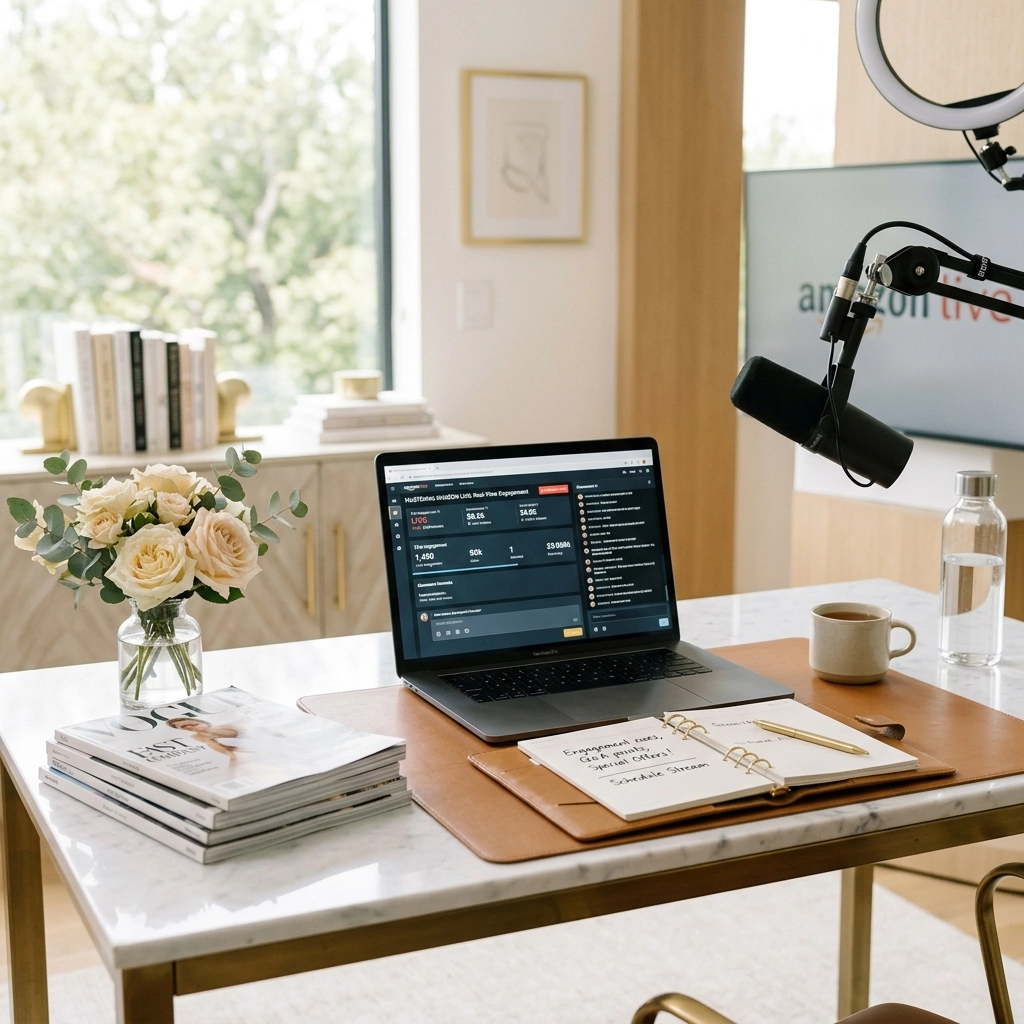
Before you hit that "Go Live" button, your environment needs to speak your brand language. We talk a lot about "Lived-In Luxury" here at Kimberly Millionaire. This means your background shouldn't look like a sterile warehouse. It should look like a home people actually want to live in, clean, stylish, but attainable.

Invest in a bright, modern space. If you don't have a floor-to-ceiling window loft, fake it with high-quality softbox lights. Your audience needs to see the texture of the products you’re reviewing. If you’re showing off a velvet throw pillow or a sleek coffee maker, grainy video is a conversion killer.
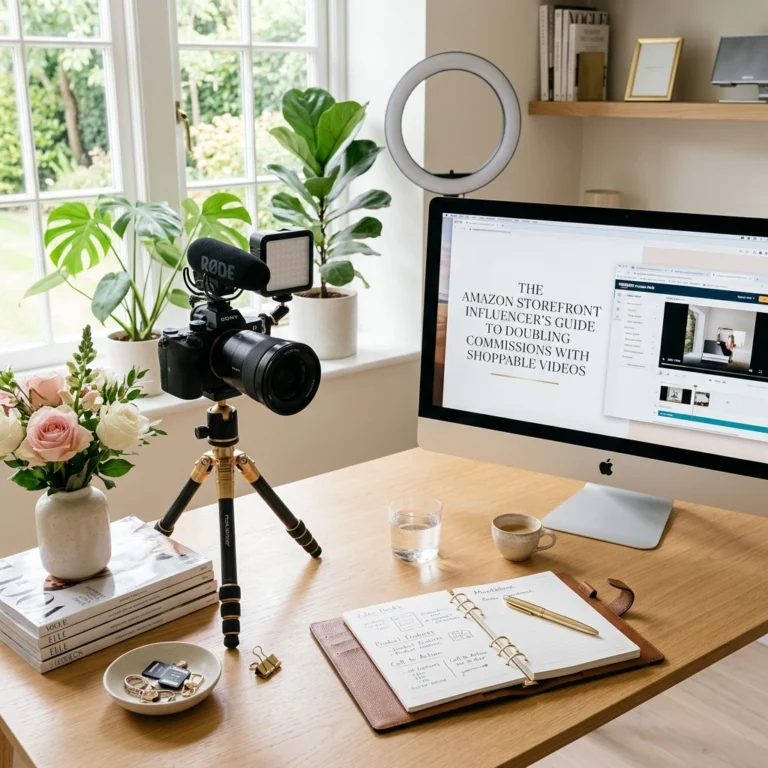
Pro Tip: Set up a permanent "Live Corner" in your home or studio. Having your tripod, ring light, and backdrop ready to go eliminates the "I don't have time to set up" excuse that keeps most creators stuck on the sidelines.
Pre-Stream Strategy: The 7-Day Rule
Successful Amazon Lives don't happen by accident. They are engineered. Treat your streams like a product launch.
- Curate with Intent: Don’t just grab random items. Pick a theme. "The Ultimate Morning Routine" or "Office Upgrades for Productivity."
- Order Early: Never review a product you haven't touched. Order your featured items at least 7 days in advance. You need to know how the packaging feels, how easy the setup is, and any potential "gotchas" your audience might ask about.
- Build the Hype: Use your social channels. Announce your stream 24 hours in advance on TikTok and Instagram. Tell them exactly what problems you're solving. "Stop struggling with kitchen clutter, join my live at 2 PM to see the $15 fix."
The Art of the Live Interaction
Once you are live, you are no longer just a content creator; you are a community leader. The "Live" in Amazon Live is your biggest asset. If you just talk at the camera for 30 minutes, people will bounce.
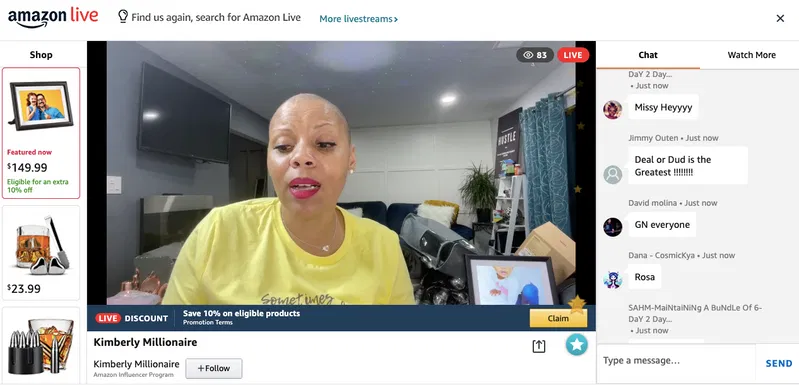
Greet Everyone. When you see someone join the chat, say hello. Use their name. "Hey Sarah! Glad you're here. We’re just about to dive into these noise-canceling headphones." This small gesture transforms a passive viewer into an active participant.
Manage the Carousel Like a Pro. The product carousel at the bottom of the screen is your most important tool. As you talk about a specific item, click it in your creator app. This moves it to the front of the line and highlights it for the viewer. This eliminates the "Wait, which one was that?" friction that kills sales.
Storytelling > Selling. Don’t just read the specs. Anyone can read a product description. Tell them how the product fits into your life. Don't just say a vacuum has great suction; show how it handles the dog hair on your rug after a long weekend. Authentic storytelling builds trust, and trust is the only currency that matters in influencer marketing.
Conversion Tactics: Closing the Deal
You aren't just here to chat; you're here to drive revenue. To do that, you need to use the tools Amazon gives you to create urgency and ease.
- The "Shop the Show" Tech: Remind your viewers frequently that they can click the items they see. If they are watching on a TV, tell them to open their Amazon app to see the live carousel.
- Exclusive Deals: Highlight "Amazon Live Deals." If an item is on a lightning deal or has a clickable coupon, make a big deal out of it. People love a bargain, but they love finding a bargain even more.
- Live Giveaways: If you have the following size to support it, use the giveaway feature. It keeps people on the stream longer, which boosts your visibility in the Amazon Live algorithm.

Post-Stream: The 21-Day Revenue Tail
Most creators think their work is done when they hit "End Stream." They couldn't be more wrong.
Analytics show that a massive portion of your engagement and sales happens in the 21 days after the live stream has ended. Amazon keeps your replays searchable.
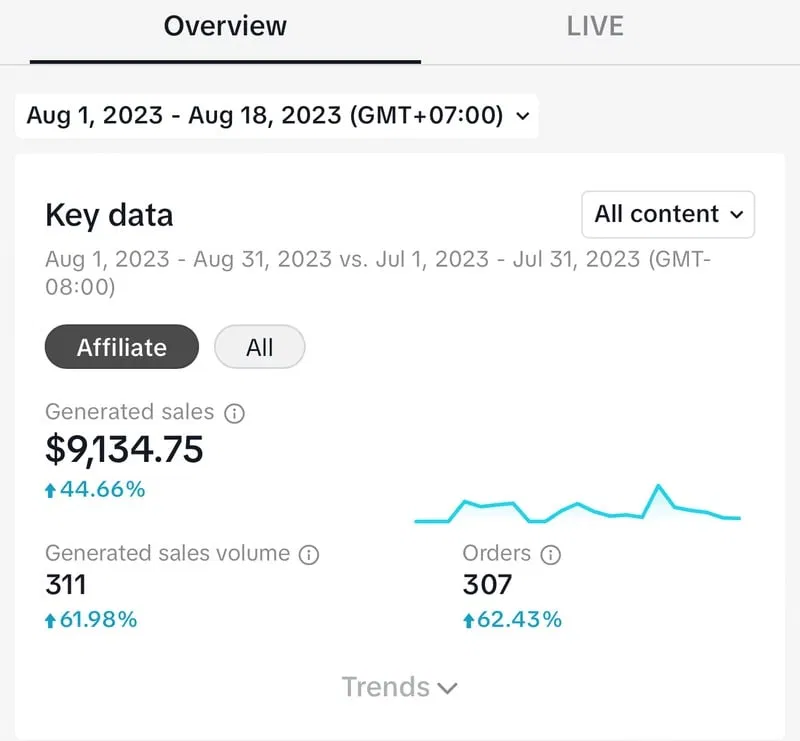
Check your dashboard regularly. Look at the "Total Time Watched" and "New Followers" metrics. If a certain stream performed exceptionally well, figure out why. Was it the lighting? The specific product niche? The time of day?
The Repurposing Workflow:
- Clip It: Take the best 60 seconds of your live stream and turn it into an Amazon Idea List video or a Shoppable Video.
- Social Drop: Post a "In case you missed it" link on your Pinterest or Instagram stories.
- Analyze: Use the data to plan your next 9-post cycle. If your "Home Office" live crushed it, your next blog post should probably be a deep dive into "The Home Office Setup for 6-Figure Creators."
Your Amazon Live Checklist
Ready to go? Follow this simple workflow every single time:
- Step 1: Choose 5-10 high-quality products that fit a single, clear theme.
- Step 2: Check your lighting and audio. If they can't hear you, they won't buy from you.
- Step 3: Start the stream by setting expectations. "Today we are looking at 5 items to save you 2 hours a week."
- Step 4: Interact. Respond to every single chat message.
- Step 5: Call to Action. Tell them to follow your storefront so they get notified when you go live next.
- Step 6: Review the numbers. Let the data dictate your next move.
Amazon Live isn't a "set it and forget it" strategy. It requires consistency. But if you commit to showing up once or twice a week with authentic, high-value product reviews, you will see your authority hub grow in ways static content simply can't match.
Stop overthinking the technicalities. Grab your phone, pick up a product you actually love, and start talking. Your audience is waiting to shop with you.
Want to see my exact setup and the tools I use to keep my storefront ranking? Check out the Kimberly Millionaire sitemap for a full breakdown of our latest strategy guides.
Now, go live and start converting!