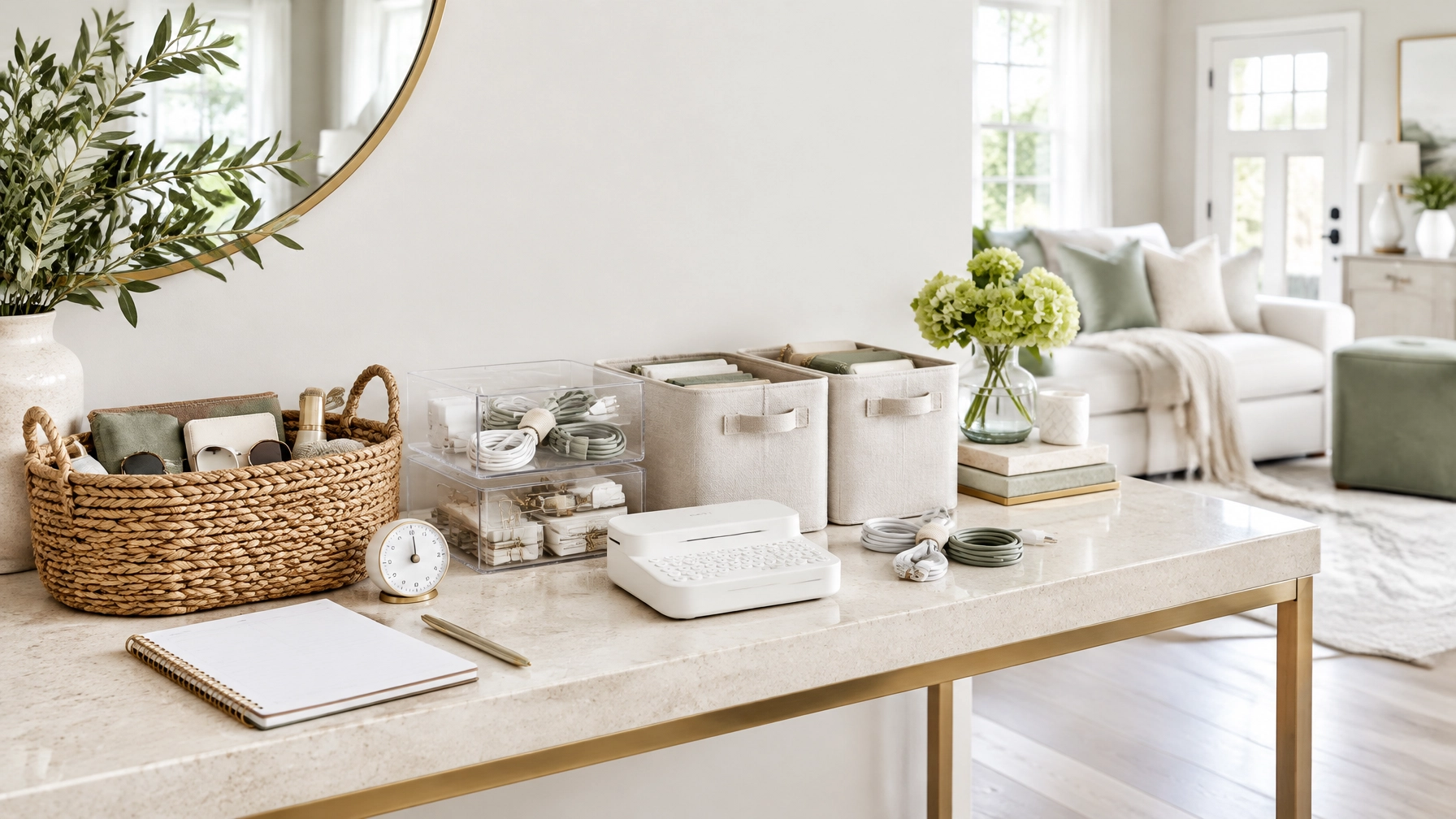
The 15-Minute Home Reset: Home Organization Ideas That Save 30 Minutes a Week
Clutter keeps coming back for one simple reason: most organizing projects solve the appearance of clutter, not the process behind it.
Buying bins does not automatically create order. A beautifully arranged drawer still becomes chaotic when items do not have clear homes. A pantry can look organized on Sunday and become difficult to use by Wednesday. A full-house cleaning session may create temporary results, but it takes too long to repeat.
Use a smaller system instead.
The 15-minute home reset combines affordable Amazon Finds with a short, repeatable routine. The goal is not to organize everything in one day. The goal is to make the most-used areas easy to reset every evening.
With consistent use, this system can help you work toward saving 30 minutes each week by reducing weekend catch-up tasks, repeated searching, and daily decision fatigue.
The Problem: Organization Takes Too Long to Maintain
Many home organization ideas focus on the initial setup. They show the final result but skip the maintenance step.
That creates three common problems:
-
Items do not have a defined home.
They are placed wherever space is available. -
The storage system is difficult to use.
Containers are too deep, labels are unclear, or frequently used items are stored out of reach. -
The reset is too large to repeat.
When tidying requires an hour, it is easy to postpone.
Solve the process first. Then choose products that support it.
Your system should make three actions easy:
- See what you own.
- Return items quickly.
- Notice when something needs to be removed, replaced, or restocked.
The Solution: A 15-Minute Daily Reset
Set a timer for 15 minutes. Complete the same four phases each day.
Minutes 1–3: Capture the misplaced items
Walk through the kitchen, living room, entryway, and bedroom.
Collect items that belong somewhere else. Use one lightweight basket as a temporary collection point. Do not start reorganizing every drawer. Simply gather the items that are out of place.
Return the items to their homes at the end of this phase or during the final two minutes.
Minutes 4–7: Clear the visible surfaces
Choose the surfaces that affect how the home feels immediately:
- Kitchen counters
- Coffee table
- Entry console
- Bathroom vanity
- Nightstand
- Desk
Remove trash, recycling, empty packaging, and items that belong in another room. Wipe only the highest-use surfaces. Avoid turning a 15-minute reset into a full cleaning session.
Minutes 8–12: Reset one high-friction zone
Choose one small zone each day:
- Monday: pantry or kitchen drawer
- Tuesday: entryway
- Wednesday: bathroom vanity
- Thursday: desk and cables
- Friday: living room storage
- Saturday: under-sink area
- Sunday: outgoing items and restocking
Use the appropriate organizer for the zone. Return items to their category. Remove obvious duplicates or empty containers.
Minutes 13–15: Prepare for tomorrow
Finish with a practical reset:
- Place keys and frequently used bags in the entryway.
- Put chargers in their cable organizers.
- Return cleaning supplies to the correct caddy.
- Move returns or outgoing packages into one designated bin.
- Set aside anything needed the next morning.
Keep the timer visible. The time limit matters. It prevents over-organizing and makes the routine easier to repeat.
If you complete this reset five days per week, you invest 75 minutes in maintenance. That may help replace a longer weekend organizing session and create the 30-minute weekly savings this system is designed to target.

Room-by-Room Amazon Finds That Support the Reset
Choose products based on how you use each space. Do not buy storage based only on appearance.
Kitchen and pantry: make inventory visible
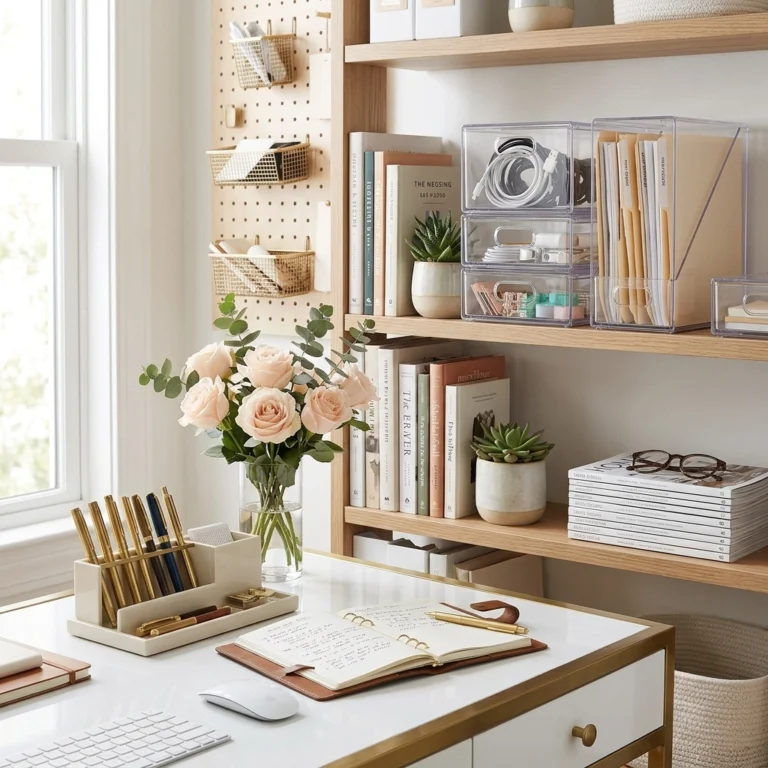
Use clear stackable bins for snacks, baking supplies, cleaning refills, and backstock.
Select bins with:
- Straight sides that maximize shelf space
- Handles that make them easy to pull forward
- Enough height for the items they will hold
- A footprint that fits your shelf depth
- Stackable construction that does not wobble
Avoid placing daily-use items in a deep bin without handles. That adds an extra step to every reset.
Add a lazy Susan to deep corners or crowded shelves. Use one for oils, sauces, supplements, or drink mixes.
Look for:
- A non-slip base
- A raised rim
- A diameter that leaves enough clearance to rotate
- A smooth turn rather than a loose, unstable spin
Use drawer dividers for cooking tools, utensils, and the junk drawer. Choose adjustable dividers with secure grips. Measure the drawer before ordering. A divider that shifts every time you open the drawer will not support a repeatable system.
Entryway: create a launchpad
The entryway should answer one question: where do the items go when you walk in?
Use a tray for keys and sunglasses. Add a small bin for returns, library books, or items that need to leave the house. Use an over-the-door rack for bags, hats, scarves, and frequently used accessories.
Check these details before purchasing:
- Door clearance
- Hook depth
- Weight capacity
- Whether the rack requires hardware
- Whether the hooks fit the items you plan to store
Do not overload an over-the-door rack. Keep the most-used items at eye level and move seasonal items elsewhere.
Bathroom: group products by task
Use small clear bins or caddies for everyday toiletries, hair tools, skincare, and backup products.
An under-sink caddy works well when it has a defined purpose. Create categories such as:
- Daily cleaning supplies
- Extra paper products
- Hair tools
- Personal care backups
Choose a caddy with handles and enough ventilation for the space. Measure around plumbing pipes before buying. Use one caddy per category instead of placing every product into one deep container.
Living room: reduce visual clutter
Use a basket or open bin for blankets, remotes, toys, or game controllers. Add a label maker when multiple people use the space.
Labels should describe the category clearly. Use “Remotes,” “Chargers,” or “Blankets” instead of vague labels such as “Miscellaneous.”
The purpose of a label is not decoration. It is to reduce the number of decisions required during the reset.
Desk and technology: make cables returnable
Use cable organizers for charging cords, computer cables, and entertainment-center wires.
Select organizers based on:
- Cable thickness
- Adhesive quality
- Whether the material can be removed cleanly
- Whether you need clips, sleeves, ties, or a storage box
- The length of the cable you need to manage
Label chargers by device when several cords look similar. Store rarely used adapters in a divided box instead of leaving them on the desk.

Turn Home Product Demonstrations Into Shoppable Content
A practical organizing routine can also become a reliable content system for an Amazon storefront influencer.
Do not treat every product as a standalone product review. Show the problem, the setup, and the result.
Use this five-part video structure
-
Show the friction point.
Film the crowded drawer, tangled cables, or difficult-to-reach shelf. -
Name the product category.
Say what you are using: a clear stackable bin, adjustable drawer divider, under-sink caddy, or lazy Susan. -
Demonstrate one useful feature.
Show the handle, rotation, fit, label, adjustable width, or cable grip. -
Show the finished zone.
Film the organized space from the same angle as the opening shot. -
Give a clear shopping direction.
Tell viewers where to find the product in your storefront or organization list.
Keep each clip focused on one problem. One 15-minute reset can produce several short videos:
- “How I stopped losing cleaning supplies under the sink”
- “The drawer divider setup that makes cooking tools easier to find”
- “A simple cable organization system for a small desk”
- “How I use a lazy Susan in a deep pantry corner”

Build Storefront Lists That Match the Routine
Create lists around the reader’s problem, not only the product type.
Use titles such as:
- 15-Minute Home Reset Essentials
- Small Kitchen Organization
- Under-Sink Storage That Is Easy to Maintain
- Entryway Launchpad Amazon Finds
- Desk and Cable Organization
- Affordable Bathroom Storage
Add short explanations to each list. Explain what the product does, what measurements to check, and where it fits in the reset.
Amazon’s official Influencer Program information explains how approved creators can use a storefront to organize recommendations. Review the current Amazon help guidance for influencer content before publishing shoppable videos, tagging products, or discussing commissions.
Track performance for seven days. Measure:
- Video views
- Storefront clicks
- Product clicks
- Saves or shares
- Click-through rate
- Orders or qualifying conversions
Set a measurable test goal rather than promising a specific result. For example, aim for a 20% increase in storefront clicks by replacing a general product montage with a clear before-and-after demonstration. Compare similar content over the same time period.
Always disclose affiliate relationships clearly and follow the current platform and Amazon requirements.
Make the System Easier to Repeat
Use these rules during your first week:
- Buy organizers only after measuring the space.
- Assign one category to each bin or caddy.
- Keep daily-use products within easy reach.
- Label shared storage.
- Remove empty or duplicate items during the weekly zone focus.
- Film the setup before and after organizing.
- Use the same reset order every day.
- Stop when the timer ends.
The best home organization ideas are not the ones that create the most impressive reveal. They are the ones that make the next reset faster.
Start with one room. Choose three affordable Amazon Finds. Set the timer for 15 minutes. Then turn the process into useful home product demonstrations that help shoppers make confident decisions.
Visit Kimberly Millionaire for more practical strategies that connect everyday product discovery with organized, repeatable content. Build your reset this week, film the transformation, and add your best solutions to a focused storefront list.